

💡 Answer summary
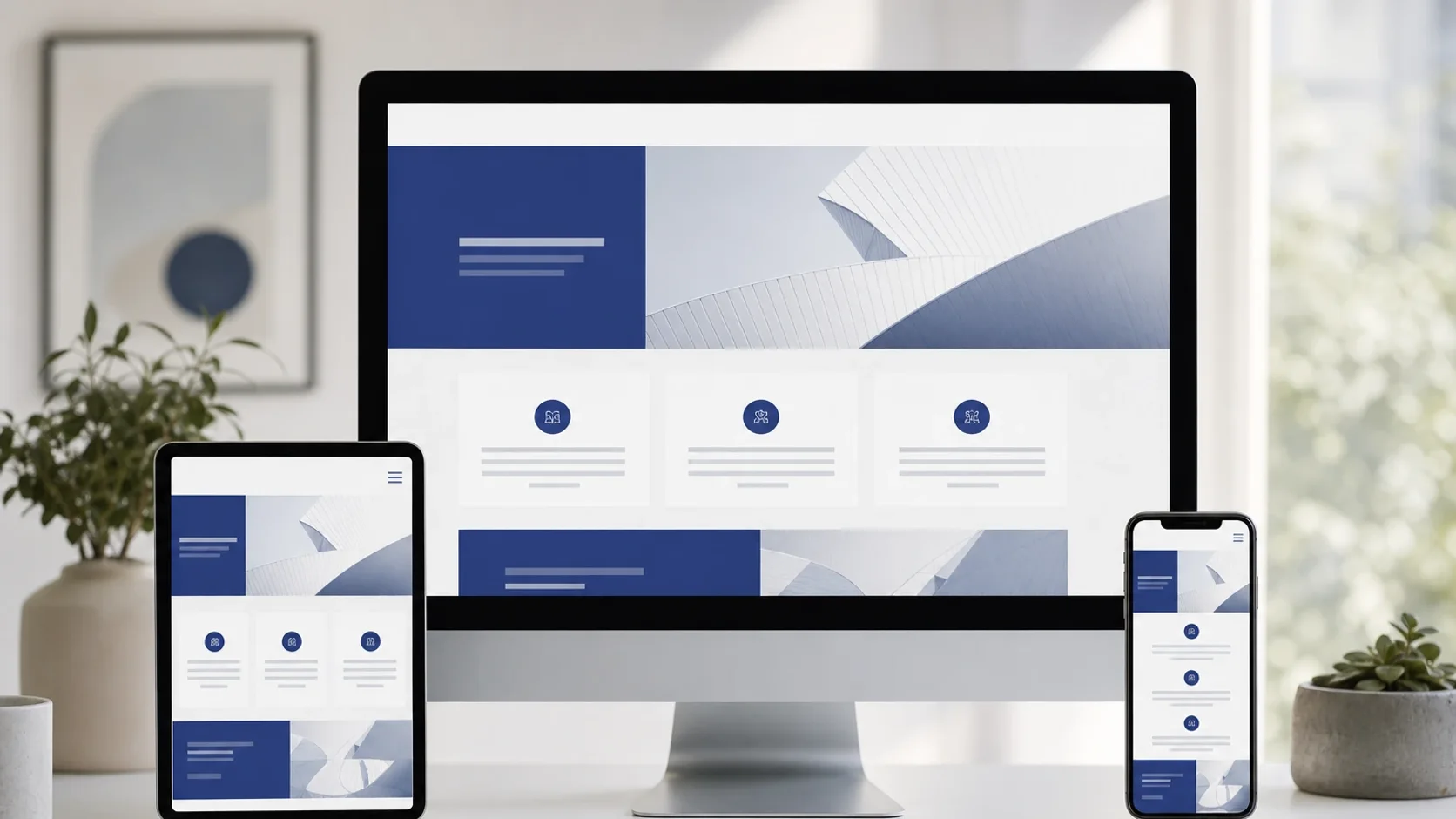
If you do not need a cart, stock levels, or shipping rules, you can still run a highly effective business website. Focus on services, proof, and contact routes that match how customers already buy from you. The goal is a calm showroom that earns the next message, call, or visit, not a miniature online supermarket you must babysit.
Why “no ecommerce” is often the better model
Ecommerce is powerful when you sell standardised products at scale. It is expensive and distracting when you sell quotes, appointments, projects, tables, or B2B relationships. Many owners buy “a website with a shop” because templates push carts by default. Then inventory, abandoned-cart emails, and payment edge cases arrive before the basics, clarity, proof, and contact, are done.
CSMBAC packages are positioned as fast, low-maintenance showrooms and funnels. Use this guide to pick a model that fits your sales motion, then choose a fixed-scope build instead of inventing endless features.
Model 1, Service brochure and quote sites
Best for: trades, agencies, consultants, repair services, B2B suppliers.
Core pages usually include: home, services (or service clusters), about/proof, contact or quote path, and optional FAQ.
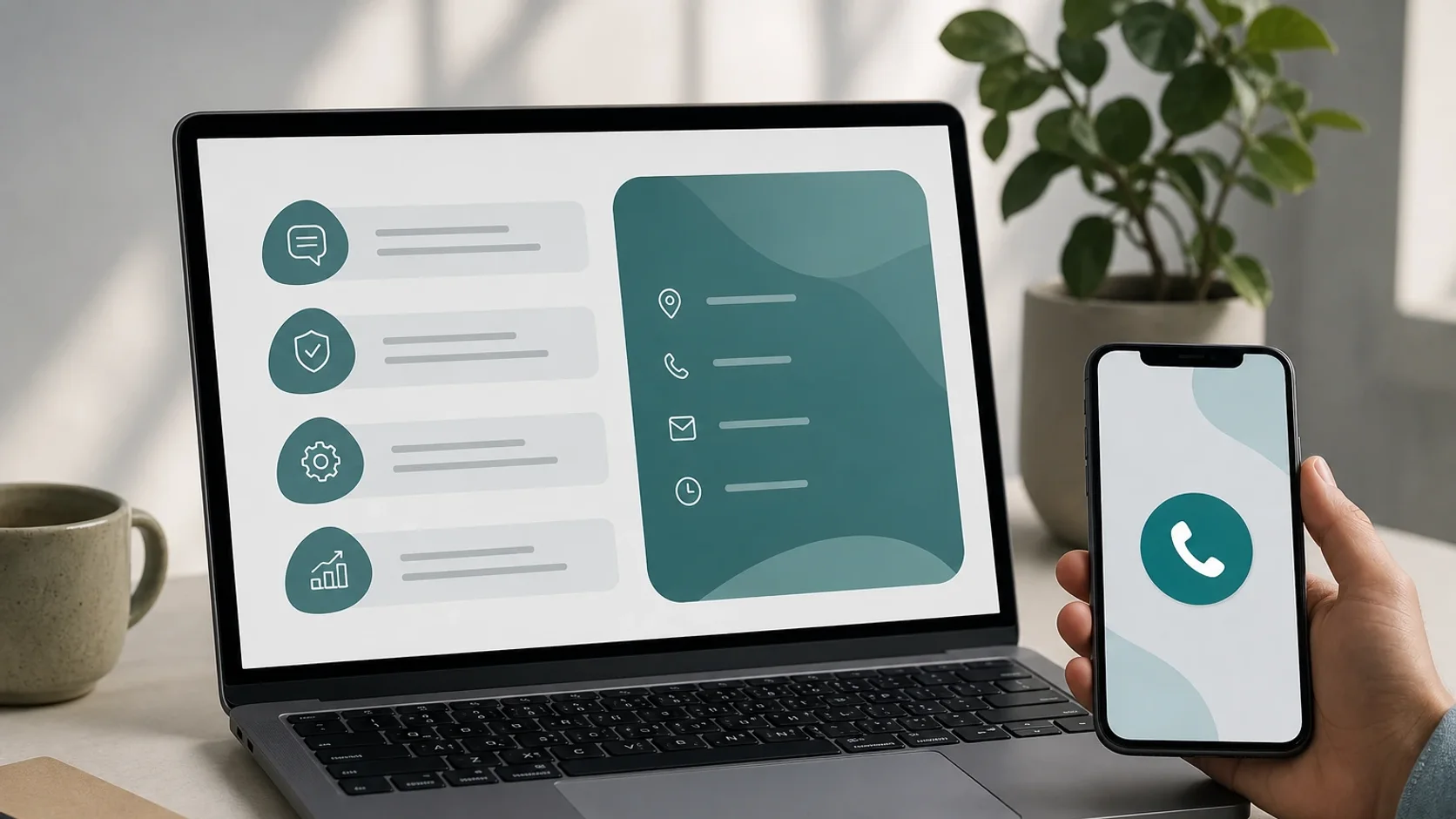
How conversion works: the visitor understands scope and trust, then requests a quote via WhatsApp, phone, or a short brief form. Prices may be bands or “from” figures on the live packages or rate card, not a cart.
Design cues: strong service names, project photos, process steps (“enquire → quote → schedule”), and a single primary CTA repeated without pop-up noise.
Avoid: fake “add to cart” buttons, empty product grids, or checkout promises you will not fulfil.
Model 2, Appointment and booking-oriented pages (without inventory)
Best for: clinics, salons, tutors, professional services with slots, when you do not need stock SKUs.
Core idea: explain the offer, set expectations (duration, preparation, cancellation norms), then route to the booking channel you already use (phone, WhatsApp, calendar link, or receptionist).

Pick a service-site direction
Browse example themes and packages built for enquiry-first businesses.
Useful sections: who it is for, what happens in the session, pricing bands if public, location/parking, and FAQ.
Avoid: building a full booking engine inside the marketing site on day one unless that system is already decided and maintained. A clear path beats a half-working scheduler.
Model 3, Portfolio and showcase sites
Best for: creatives, builders, interior trades, photographers, studios, hospitality atmosphere brands.
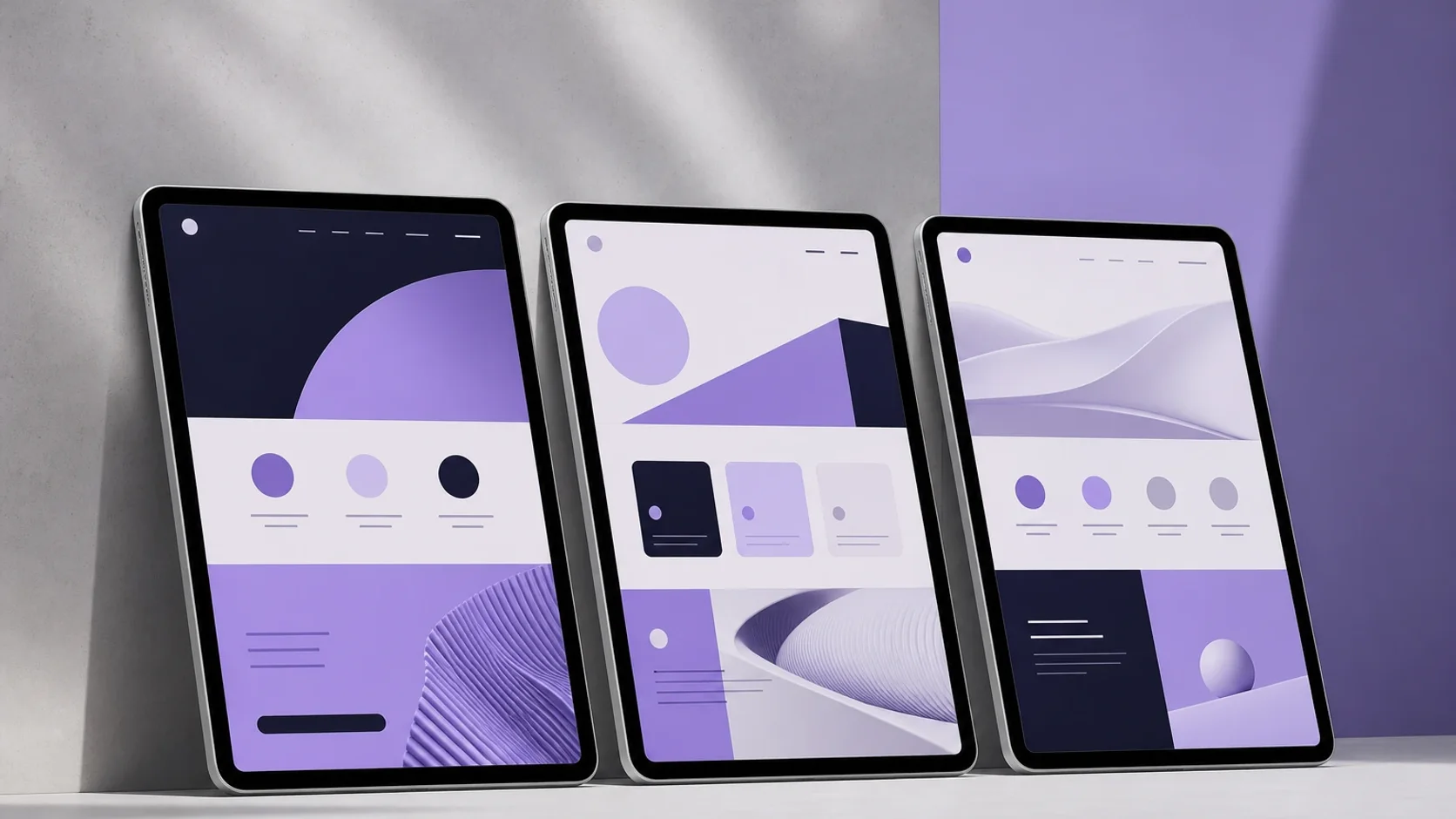
Core idea: let the work sell. Galleries, project stories, and material/finish detail matter more than long essays.
Conversion: “Discuss a similar project” or “Request availability” CTAs near the strongest visuals. Keep captions factual; do not invent client logos or results.
Avoid: watermarked stock that looks nothing like your real work, or portfolios so heavy that mobile users bounce.
Model 4, Multi-location information architectures
Best for: businesses serving several towns, branches, or catchment areas.
Core idea: a clear hub plus focused location or area pages that answer local questions (coverage, travel, nearest branch) without cloning thin duplicate spam.
Conversion: each location page still points to the same enquiry path, with local proof where genuine.
Avoid: thin location pages that only swap a city name. Real local detail or skip the page.
Model 5, Lead-generation landing patterns for local campaigns
Best for: paid ads, flyer QR codes, seasonal offers, event follow-ups.
Core idea: one promise, one proof cluster, one action. Landing pages can be thinner than the full brochure site and still belong on your domain.
Useful ingredients: offer clarity, who qualifies, what happens next, and a contact method that preserves campaign context.
Avoid: sending ad traffic to a busy homepage where the offer disappears below unrelated sections.
How to choose quickly
Ask four questions:
- How do customers buy today? Quote, appointment, walk-in, or relationship sale?
- What must they believe before contacting you? Skill, location, price band, safety, taste?
- What will you actually update? If the answer is “almost never,” keep the model simple.
- Do you need stock, shipping, or tax-ready carts? If no, do not start with ecommerce tooling.
If you answered “showroom + enquiry,” you are in the right place. Pair the model with a fixed package rather than a custom labyrinth.
Practical examples (illustrative)
- Electrician: services + areas + photo proof + WhatsApp quote CTA.
- Physio clinic: treatments + what to expect + hours + appointment contact.
- Boutique guesthouse: rooms atmosphere + location + enquiry for dates (no cart required on day one).
- Industrial supplier: capabilities + sectors served + RFQ contact for procurement.
⚠️ Mistakes to avoid
- Forcing Shopify-style carts onto enquiry-first businesses.
- Inventing package prices inside article body, live prices stay on market catalogues.
- Promising Instant EFT, local offices, or payment rails that are not on the live site.
- Building five microsites when one clear showroom would do.
- Measuring success only by “pages built” instead of qualified enquiries.
➡️ Next step
Browse website packages for your market (ZA, UK, or US) or send a website brief describing the model you need, showroom, portfolio, appointment path, or campaign landing, without forcing a cart.