
Reference guide · html-css-js · Published 2026-08-16 · 3 min read
SEO for web components and shadow DOM
Web components and SEO: how open shadow DOM is indexed, why content in light DOM and declarative shadow DOM is most reliable, and how to prevent empty nodes.
- ·How crawlers see components
- ·Keep content in light DOM
- ·Declarative shadow DOM and hydration

How crawlers see components
Web components are custom HTML elements with their own behaviour, defined with the Custom Elements API. They often render their content into a separate, encapsulated DOM tree called a shadow root. The Content Security that good encapsulation gives a component is also the thing that can hide its text from a search crawler, so components need a deliberate indexing strategy rather than the assumption that whatever the browser paints will be indexed.
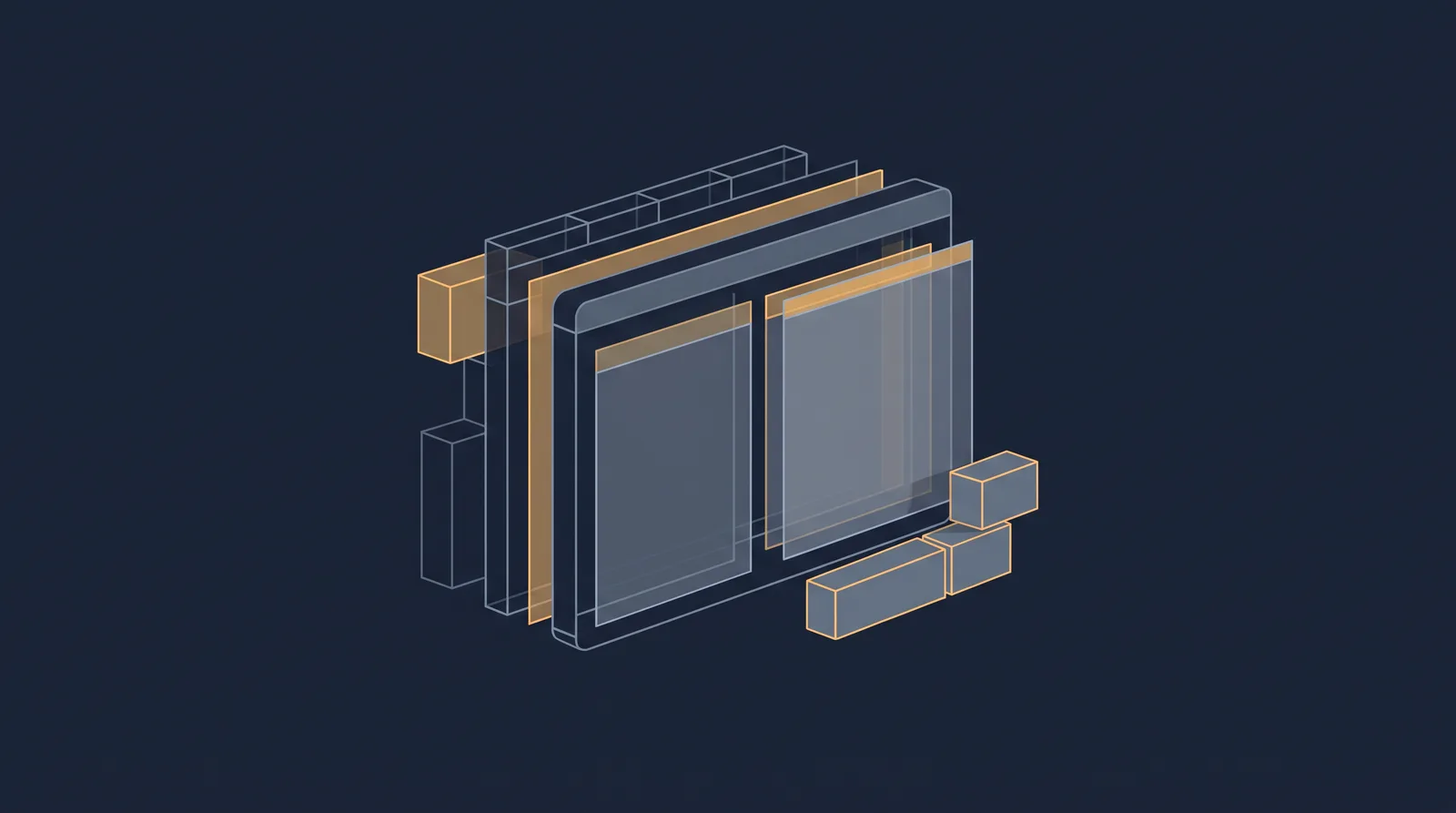
A custom element sits inert in the DOM as an undefined tag until JavaScript calls customElements.define(). Only then does the browser upgrade the element, run its lifecycle callbacks, and typically insert its real content, often into a shadow root. Before that define call runs, the element is just an empty container. A crawler renders pages in a bounded, resource-limited pass, so anything that only exists after a late or conditional JavaScript step risks being indexed as an empty node. This is the same fundamental rule as the broader client-side rendering article: content that is not in the initial HTML depends on crawler JavaScript execution, which is delayed and constrained.
Use an open shadow root (attachShadow({ mode: "open" })). Open roots are traversable from the document, so crawlers and pre-rendering pipelines can walk them. A closed shadow root is opaque and risks silent indexing failures.
Keep content in light DOM
The most reliable rule is to keep SEO-critical content, the <h1> headings, primary body text, and key links, in the light DOM, the regular children of the element, rather than inside a shadow root. Light DOM content is part of the initial HTML and is indexable on the first crawl with no dependence on JavaScript. Content projected through a <slot> is visible to crawlers, but providing fallback content inside the slot means the element still has indexable text even if the parent forgets to project anything.
Define SEO-critical custom elements synchronously in the main script path. Calling customElements.define() inside a dynamic import, an observer callback, or an interaction listener means the upgrade depends on extra steps that may never run inside a crawler's rendering window. If the definition runs as part of the top-level script as soon as the browser parses the tag and runs the page script, the component upgrades reliably.
Declarative shadow DOM and hydration
Declarative Shadow DOM attaches the shadow root in the HTML stream itself, using a <template shadowrootmode="open"> element in the initial markup, so the component's content is parsed immediately from the server response without waiting for JavaScript. This makes it reliably indexable by every crawler, including non-Chromium engines that execute JavaScript inconsistently, and it removes the upgrade-lifecycle dependency for the presence of the content. Hydration later adds behaviour to the already-rendered markup.
The pattern that is most robust is a relative one: keep the structured content in the light DOM or in declarative shadow DOM, and use JavaScript-driven shadow DOM only for presentational or enhancing behaviour where a missing render is not an indexing loss. The semantic HTML elements reference covers the landmarks and structure a crawler reads, and the crawling and indexing overview explains where rendering fits in the crawl flow. When component content is genuinely essential to a page, verify it with the URL inspection tool after deploying, and if a component renders empty, move its content into light DOM or declarative shadow DOM rather than relying on crawler JavaScript to conjure it.