
Tutorial · html-css-js · Published 2026-08-16 · 3 min read
View Transitions API for smooth page transitions
Use the View Transitions API to animate between page states and cross-document navigations. Cross-document support is Chromium and Safari only.
What it does
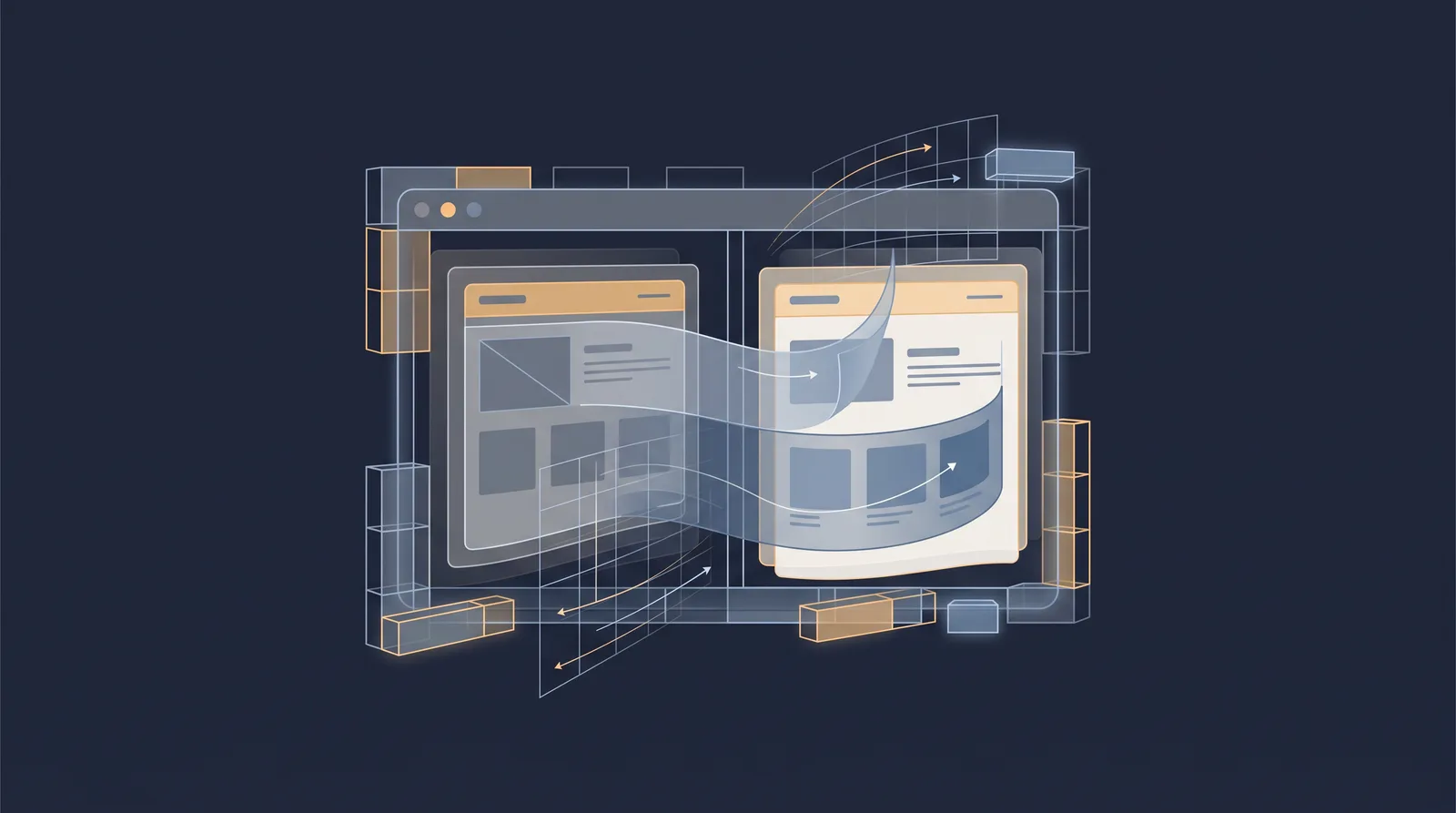
The View Transitions API lets you animate the change between an old and a new visual state, letting the browser capture both and morph from one to the other. The browser snapshots the outgoing state, captures the incoming state, and animates between them, with the snapshotted elements sitting in a top-layer pseudo-element tree: ::view-transition-old() and ::view-transition-new(), plus a group that holds both.
The power is that you describe the start and end, name the elements that should morph (via view-transition-name), and the browser handles the intermediate animation. That removes a whole class of hand-written cross-fades and enter/exit choreography.
Same-document transitions
In a single document, call document.startViewTransition() around the DOM update that changes the visible state:
document.startViewTransition(() => {
  // update the DOM, e.g. swap the active section
  updateView();
});
Give an element a view-transition-name when you want it to morph smoothly between the two states rather than cross-fading the whole page. Animations can go beyond the default cross-fade with @keyframes on ::view-transition-old() and ::view-transition-new(). Everything falls back safely: a browser without support just applies the DOM update with no transition.
Cross-document and support
Precision matters here because the two domains of the API have different support. Same-document transitions (via startViewTransition) are Baseline Widely Available: Chrome 111 and later, Firefox 144 and later, and Safari 18 and later. Cross-document transitions, which fire automatically when navigating between two same-origin pages, are newer and only in Chromium (Chrome and Edge 126 and later) and Safari 18.2 and later; Firefox does not ship them yet. Because this changes by engine, state exactly which form you depend on before relying on it.
For cross-document transitions, both the source and destination page must opt in with the @view-transition CSS at-rule:
@view-transition {
  navigation: auto;
}
Without the opt-in on both documents, navigation is a normal load, which is the default fallback and why the feature is safe to ship as progressive enhancement. Named elements can morph across the two documents, and the pageswap and pagereveal events let you set names and types just before the transition.
The View Transitions API sits alongside other modern presentational features. It composes with container queries and cascade layers when those define layout behaviour in the same update, and it is distinct from the popover top-layer mechanic, which solves overlays rather than state changes. Because transitions are purely presentational, keep them off critical content paths: a transition that fails must not hide main content, and the snapshot mechanics should not be pressed to deliver something the normal content visibility approach already solves more cheaply when the goal is only a faster paint. Prefer a lightweight transition by default, verify the specific form you use is supported in the browsers you care about, and treat the animation as decoration on top of a reliable state change.