
Troubleshooting guide · html-css-js · Published 2026-08-15 · 4 min read
The order that fixes broken HTML, CSS and JS
Debug broken HTML CSS JS in a set order: validate HTML, confirm the stylesheet loads, check specificity, read the console.
- ·The debug chain
- ·Validate and load
- ·Console and isolate
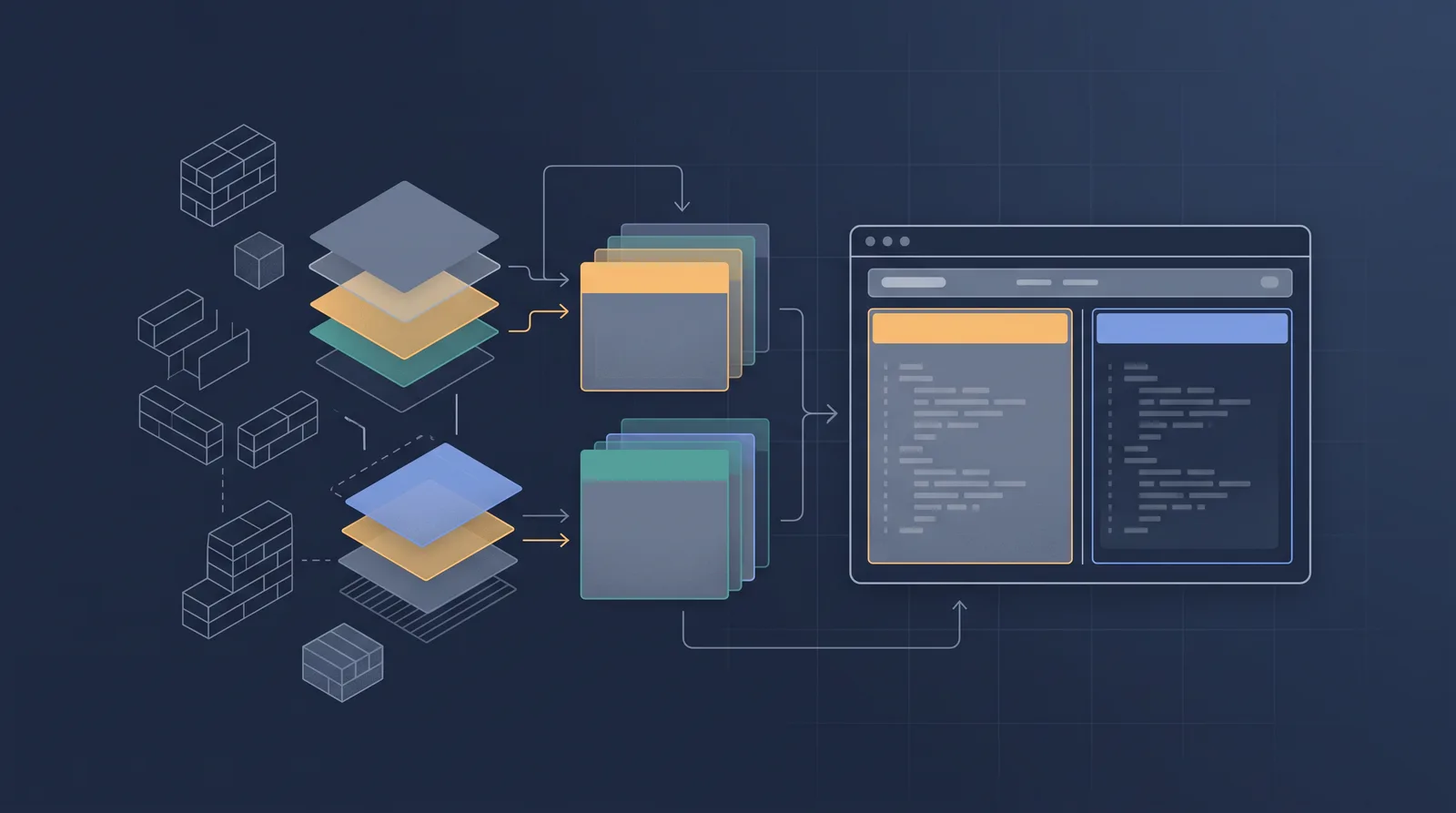
The fastest fix is a fixed order
"Does not work" hides three separate layers. A page that looks unstyled, a page that scrolls but does nothing, and a page that is completely blank are different failures, and each is fixed by a different tool. Debugging in the same order every time means the cause is found on the first pass instead of after swapping guesses.
The debug chain, in order
- Validate the HTML. A missing closing tag or an unescaped angle bracket can swallow the stylesheet link or the opening script tag entirely. Paste the source into an HTML validator, or look for weird nesting in the source. HTML errors are the cheapest to fix and the most likely to break everything downstream.
- Confirm the CSS loads. Open the Network panel, filter to CSS, and reload. A 404 or a greyed item with the red HTTP status means the stylesheet never arrived. Then check the response body inside the file itself, not all of it loads, a
}closed early inside a comment can disable half a file. - Check the rendering path. If the CSS loads but the page is plain text, the stylesheet may still be blocking paint and the missing piece is a selector that never matches. The site blank page article is the full walk for that branch.
- Look at specificity before rewriting the CSS. A rule that should win the cascade is ignored because a stronger selector already fired. The Computed panel shows applied styles with the losing ones struck through. The specificity article explains how to read that list.
- Open the console before the source. Console errors name the file and line of the first JavaScript failure. A page with one thrown error stops running the scripts after it, leaving earlier code working and later code dead, which is exactly the "sometimes it works" symptom.
- Check the network panel for the script itself. A
data:or pointing at a 404 URL means the fetch never happened, not the code being wrong. - Isolate with DevTools. Edit the value in the Styles panel to see it apply, or toggle each rule off. When a property turns out to be spelled wrong, the panel underlines it in yellow.
The order matters, not because the steps are novel, but because each layer is a precondition of the next. HTML validates, CSS lands, then JS runs, then the paint happens, which is the order that keeps you from checking the console while the stylesheet is still 404ing.
Table: symptom to next step
| Symptom | Layer | Check first |
|---|---|---|
| Page unstyled | CSS | Network filter to CSS, @import order |
| Rule does not apply | Specificity | Computed panel struck-through rules |
| Nothing happens on click | JS | Console error before the handler |
| Half the page works | JS | Earlier script error stops later code |
| Blank white page | HTML | Validate, then link paths |
A worked example
Take a button that does not respond. Step 1, validate: fine. Step 2, the stylesheet loads, the button is styled. Step 4, the computed rules match. Step 5, the console shows Uncaught TypeError: add is not a function. The handler calls items.add(item) but items is an array, and add does not exist on arrays, so the fix is push. The error named the file and the line, and the whole chain took one minute. Without the console step it would have been an afternoon hunting a listener that never mattered.
Common mistakes that make the order look boring
display: contentson a parent unstyles its children, now the page is plain with valid CSS.- Two sibling scripts, one with an unclosed string, silence everything the parser reaches after it.
- The browser caches an old stylesheet with the same URL, refresh with cache disabled.
- A
deferscript runs after the DOM but the handler references an element created later by another script, order matters again.
Prevention
The style of fix that stops this happening is a render blocking resources pass once a quarter: a fresh eye on which scripts can defer and which inline styles became duplicative, keeping the page simple enough that the next broken change has one place to be true.