
Troubleshooting guide · cloudflare · Published 2026-08-16 · 4 min read
Lock down your Cloudflare origin IP
Lock your origin to Cloudflare IP ranges so a leaked IP cannot be hit directly. Includes firewall rules, CF-Connecting-IP trust, and automated list refresh.
- ·Why lock the origin
- ·Firewall allow-only
- ·Keep it updated
Why lock the origin
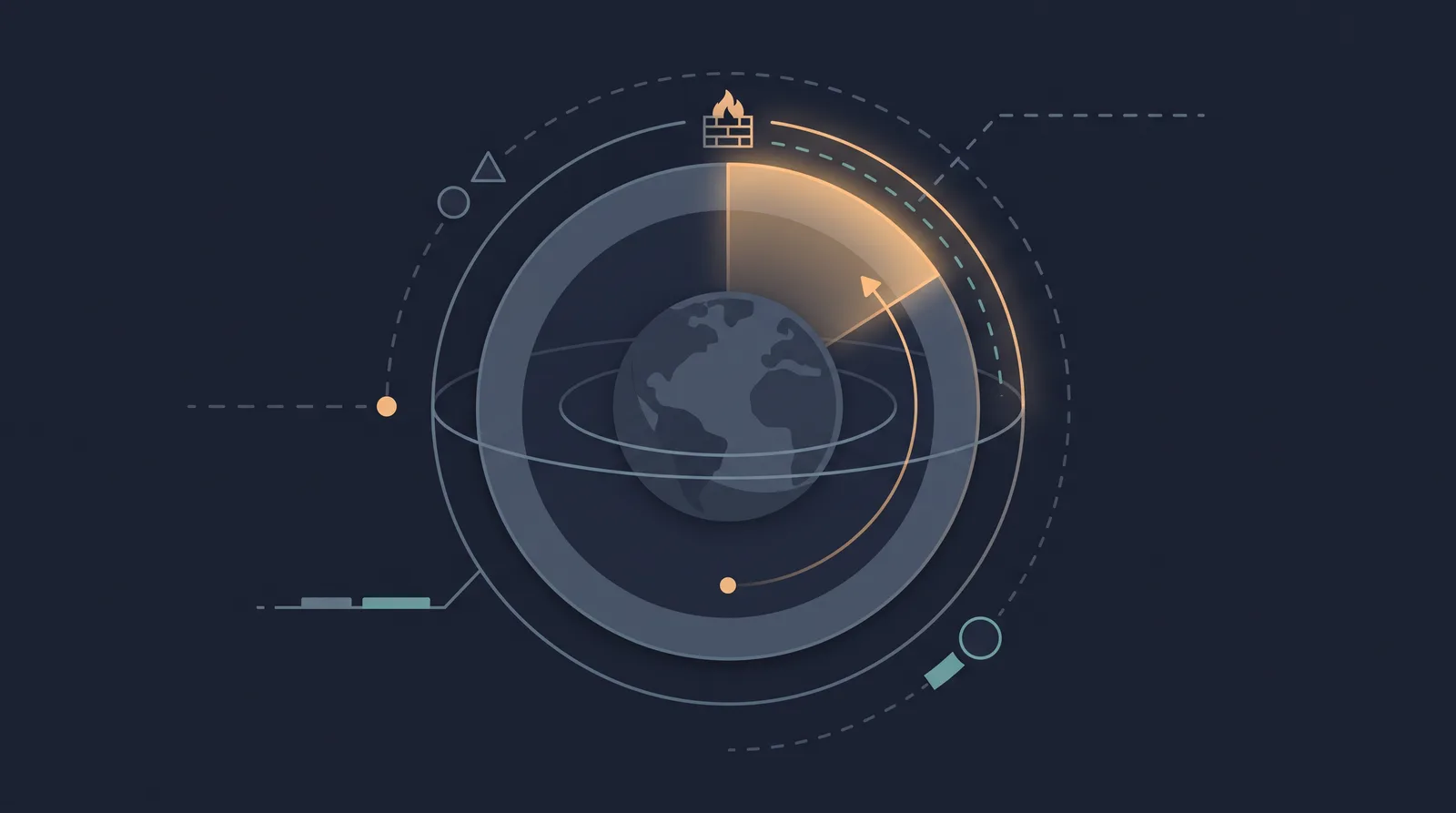
A Cloudflare-protected site still has a real origin IP. Unless that IP is unreachable, an attacker who finds it (a leaked DNS record, a historical log, a forgotten subdomain, a stray mail server) can connect directly to your server, skip Cloudflare entirely, and hammer it or probe it without WAF or rate limiting. The lock-down exists to make the origin unreachable to everyone except the Cloudflare edge itself.

The published IP ranges are the shape of the fix: Cloudflare connects to your origin only from the addresses in https://www.cloudflare.com/ips-v4 and https://www.cloudflare.com/ips-v6. Allowlist those and deny everything else on ports 80 and 443, and the bypass route closes.
The firewall allow-only rule
- Fetch the current ranges (never hand-copy a static list; the ranges change when Cloudflare adds capacity):
curl -s https://www.cloudflare.com/ips-v4
curl -s https://www.cloudflare.com/ips-v6- For a host firewall (UFW/iptables/firewalld) allow those ranges on 443 (and 80 if you still serve it over plain HTTP), then apply a default-deny for the web ports:
ufw allow from 173.245.48.0/20 to any port 443
ufw allow from 103.21.244.0/22 to any port 443
# ... every published range ...
ufw default deny incoming- For cloud network firewalls (AWS SG, GCP VPC, Hetzner cloud firewall, Azure NSG), put the same rule at the network layer, in front of the host. That way a misconfigured host firewall does not reopen the bypass, and the ranges are reviewed in the same console where the rule lives.
- Test from your own machine: from any IP that is not a Cloudflare range, connecting to
https://your-origin.example.commust hang or time out rather than reach the site.
The "spoofed IP" gap and CF-Connecting-IP
The allow-list is moderately secure but traffic that claims a Cloudflare range is trusted only because the source address is in the list. Anyone inside a Cloudflare IP range (rare but real for shared infrastructure) can still go direct. Two strengthening layers close most of the gap:
- Authenticated Origin Pulls (mTLS): the origin requires Cloudflare's client certificate, so only Cloudflare can complete a TLS handshake with your server even if the source is in range. SSL must be Full (Strict); the SSL modes article covers that requirement.
- Trusting
CF-Connecting-IPcorrectly in your web server (for example nginxreal_ip_moduleor aset_real_ip_fromblock) so logs and rate limiting see the visitor IP, not the edge IP. Only trust the header after the firewall has restricted the source; otherwise, a direct attacker spoofs the header and your app thinks they are a normal visitor.
Keep the ranges current
The full list is the moving part. Cloudflare grows and shrinks ranges; a stale list means a real visitor gets a refused connection when their request comes from a newly added edge, and a silently dropped cache means a sudden "service unavailable" window during rotation. The cheap, correct habit is a scheduled job (cron) that re-fetches the two URLs and rebuilds the firewall rule, plus a ping to the origin health log it runs.
What NOT to lock down
- Management ports: do not allow SSH from Cloudflare's ranges. Cloudflare does not proxy SSH by default, so locking SSH to the cloud ranges would lock you out. Keep SSH to your admin IP, or use Cloudflare Spectrum/Argo Tunnel for admin access.
- DNS-only records: an
Arecord that is grey-clouded (DNS-only) exposes the IP without proxying, so traffic to it can never be filtered. Audit DNS records for non-proxied entries that reveal the origin address. iptablesthat blocks Cloudflare: always validate with a test from a real visitor region after applying. The classic failure is your own allow rule missing one new range, which produces an intermittent 521/522 that looks like an origin outage.
The origin is the last line in front of your users. Put the allow-only firewall in front of it, keep the list refreshed, and combine it with Authenticated Origin Pulls when you need real assurance that only Cloudflare can reach the box.