
Troubleshooting guide · images · Published 2026-08-16 · 3 min read
Images not loading, blank boxes and broken image icons
Fix broken image icons and blank image boxes: wrong paths, blocked hosts, server errors and format problems, with checks in DevTools.
- ·The symptoms
- ·Find the failing URL
- ·Fix each cause
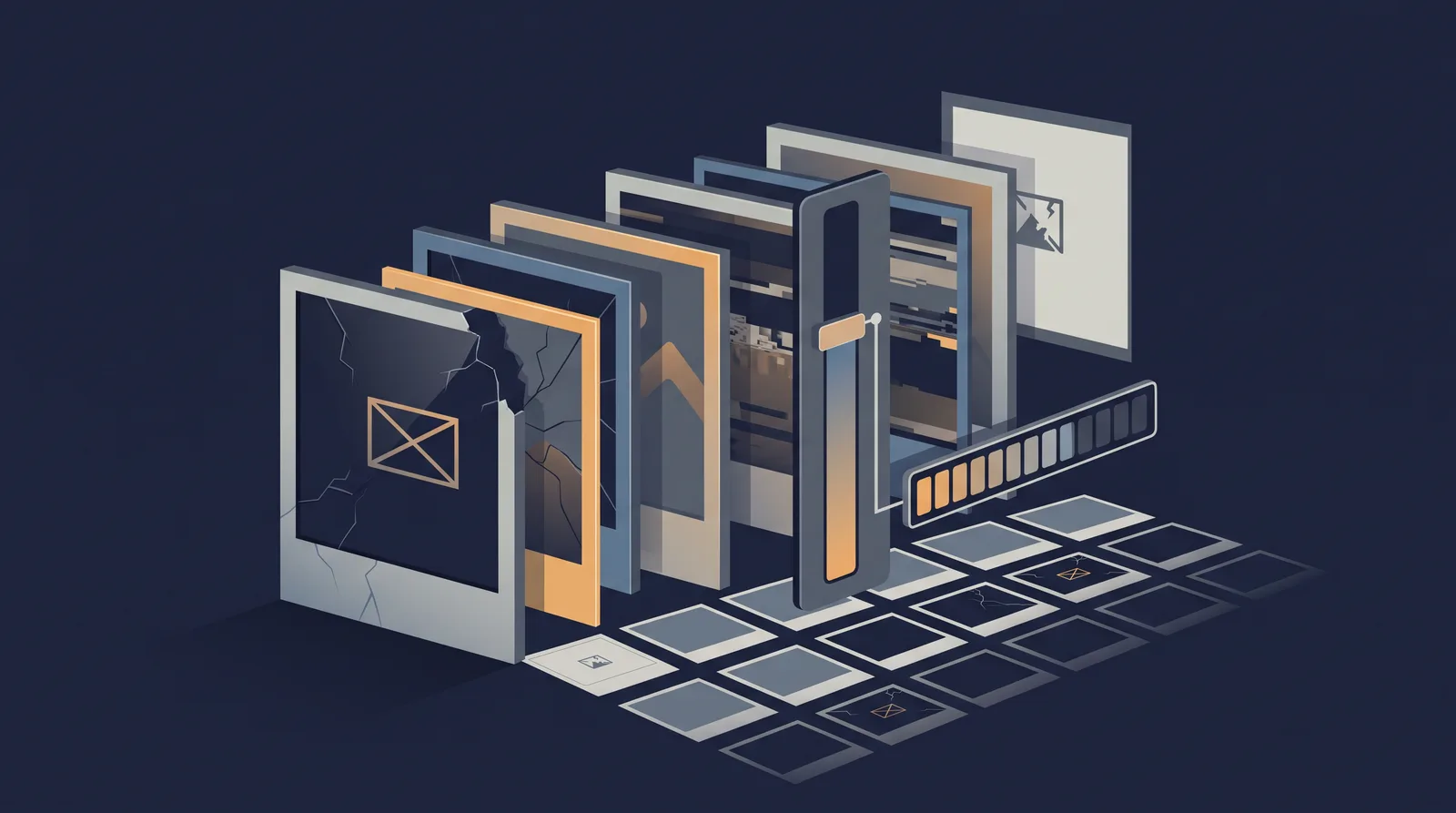
A page loads but one image shows a broken icon or an empty box. The browser drew the layout but could not deliver the file, so the specific cause is almost always discoverable once you look at the request. This walkthrough takes the failing image and works back to the file, the server, or the code.
The symptoms
- A broken-image icon (a small symbol or the letter x) means the browser could not decode the file after fetching it.
- A blank or missing box with no icon usually means the request failed before any bytes came back, or the image has an empty or wrong source.
- One image broken while the rest load points to that file's path or format, not to the whole site being down.
Start in DevTools: open the Network tab, reload, and find the image request. Its status and response tell you which branch to follow.
Find the failing URL and status
- Open the element that is broken and copy its current
src(andsrcsetcandidates). - In DevTools Network, locate the request and read its status: 200 with a decode error, 404 for a missing file, 403 for a permission block, or a redirect you did not intend.
- Test the exact URL in a new tab. If it loads there but not in the page, the path, a referrer rule, or hotlink protection is the cause.
The critical split is 404 (file not found) versus 200 (fetched but not decoded) versus a blocked request (403 or a mixed-content/CSP console error).
Fix each cause
Wrong path or case
A 404 with a missing path is the most common. Fix the src to the real path, correct the filename case, and move the file to the referenced directory. Many broken images are a renamed or moved asset that was never updated.
Hotlink or referrer block
A 403 on the image while the same URL opens in a typed tab signals hotlink protection (checked in the hotlink guide) or a cross-origin rule. Whitelist the referring domain or serve the image from your own origin.
Format the browser cannot read
A 200 that produces a broken icon means the browser fetched bytes it could not decode. If you use an exotic format without fallback, add a picture element with a WebP or JPEG variant, or convert at build time with the CLI image tools guide.
Mixed content or a blocked protocol
If the page is HTTPS and the image is an insecure http:// URL, the browser blocks it and the console logs a mixed-content error. Serve the image over HTTPS (see the mixed content fix).
Server returns an error
If the image request shows a 4xx or 5xx, the file exists but the server refuses or fails. Check the image path against permissions and the storage mount; a file that exists but returns 500 usually means a filesystem or permission problem.
Prevention
- Reference image paths relative to a known build location and verify them in the build.
- Test every new upload on the live URL, not just in the CMS.
- Give images
widthandheightso a slow load does not collapse the layout while the browser recovers.
A single broken asset is rarely a site-wide problem, so isolate it by URL and status before touching configuration. For the surrounding failure classes, the website error reference groups exceptions by the stage they occur.