
Tutorial · images · Published 2026-08-16 · 4 min read
Setting up an AVIF pipeline for your images
Build an AVIF pipeline with avifenc or sharp: output variants, quality and speed knobs, fallback strategy, and verification.

Why AVIF deserves a pipeline
AVIF is the AV1 image codec container. It consistently beats JPEG by roughly 30 to 50 percent file size at the same visual quality on photographic images, and browser support for AVIF is close to universal among modern engines. The catch is encode time: AVIF encoding is slow relative to JPEG or WebP, which is exactly why the conversion belongs in a build pipeline, run once, and not once per visitor.
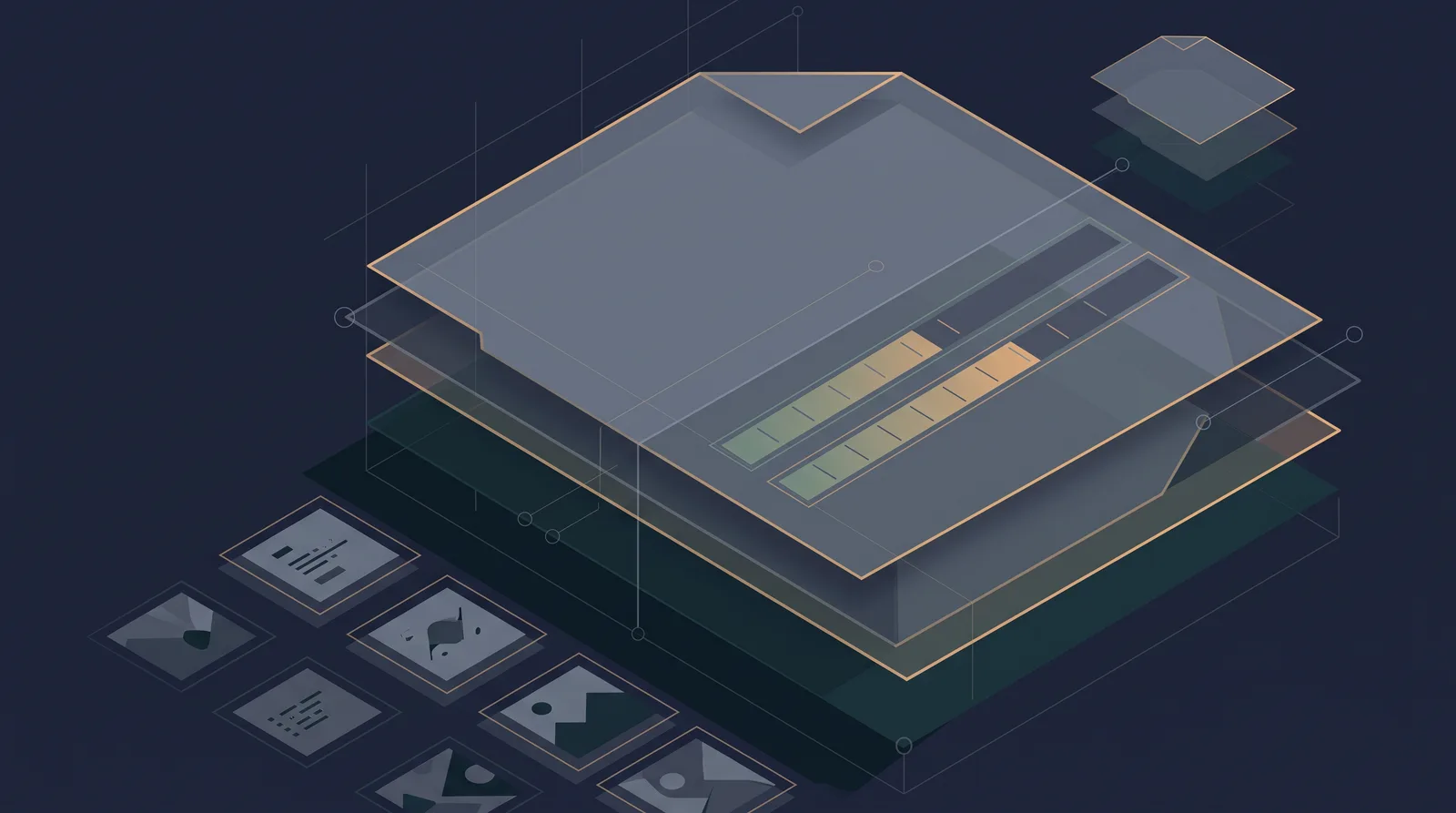
A pipeline is the repeatable set of steps that turns each new image into an AVIF (and a fallback) as part of how you add images, not as a manual chore. Without one, the folder fills with mixed formats and the site degrades quietly to whatever someone happened to export.
Why AVIF beats what you have
| Format | Typical saving vs the same JPEG at matched quality | Encode cost |
|---|---|---|
| JPEG baseline | Reference | Low |
| WebP | 20 to 30 percent smaller | Low |
| AVIF | 30 to 50 percent smaller | Medium to high |
That saving is the whole argument for a static site. AVIF carries the same modern baggage WebP did: older clients need a fallback, and unfettered use without testing produces apples-to-oranges quality settings.
Choose your encoder
Two practical encoders cover almost everyone:
| Tool | Where it fits | Command for one file |
|---|---|---|
avifenc (libavif) | Reference CLI, best runtime batch on a machine | avifenc -q 60 -s 1 input.jpg output.avif |
sharp (Node) | Build-time library inside a Node/static build | sharp('in.jpg').avif({ quality: 60, effort: 4 }).toFile('out.avif') |
avifenc is distributed by libavif (Windows binaries on the release page, Homebrew brew install libavif, Debian/Ubuntu libavif-bin). If your site build already uses sharp, the same step that emits WebP or JPEG can emit AVIF, keeping the conversion inside one dependency.
The knobs that matter
The two controls that matter are quality (a 0-100 linear scale on -q) and effort (avifenc -s, 0 slowest and best to 10 fastest, or sharp effort). Sensible build defaults: previews -q 58 -s 6, editorial photos -q 64 -s 2, the hero at -s 0 because its size dominates the budget, and alpha content tuned with --minalpha so transparency survives.
The batch pipeline
#!/usr/bin/env bash
set -euo pipefail
for src in $(find . -maxdepth 2 -type f \( -name '*.jpg' -o -name '*.jpeg' -o -name '*.png' \)); do
  avifenc "$src" -o "${src%.*}.avif"
done
With sharp inside a Node build, the loop is a worker mapping each source path to { width, quality, effort }. Decide the output convention first: keep the original and the AVIF side by side (photo.jpg + photo.avif) and reference the AVIF in markup.
Serve AVIF with a fallback
<picture>
  <source type="image/avif" srcset="/images/hero.avif">
  <img src="/images/hero.jpg" alt="Office interior" width="1200" height="800">
</picture>
The img fallback keeps alt, width and height, and any crawler or client without AVIF gets the JPEG instead. Width and height on the fallback are what reserve layout space before the format negotiation picks a source, so the aspect ratio stays stable. Combine with lazy loading for below-fold files so they stay out of the first paint.
Evidence before you switch
Before rolling out AVIF site-wide, answer these with numbers:
- Does a real sample of your photos save enough bytes for the effort? Track median bytes per image before and after.
- What is your encode time budget? AVIF is a build-time step, not on-the-fly negotiation; runtime conversion would cost CPU per request.
- Are third-party images (ad networks, embeds, previews) convertible, or do they bypass the pipeline?
Run a compare on one page with the web performance audit steps, not the byte maths alone: a 30 percent byte win on an already-cached image is worth less than moving LCP itself.
Pipeline in one paragraph
Install avifenc or keep sharp, write the loop, keep -q and effort sensible, serve with picture, and verify with bytes per image. Once the folder is consistently AVIF plus fallback, the release flow stays repeatable. The WebP reference covers the sibling format that stays useful where AVIF is too costly to encode, and the image optimisation guide fits formats into the wider image budget.